Facebook Deletion Instructions
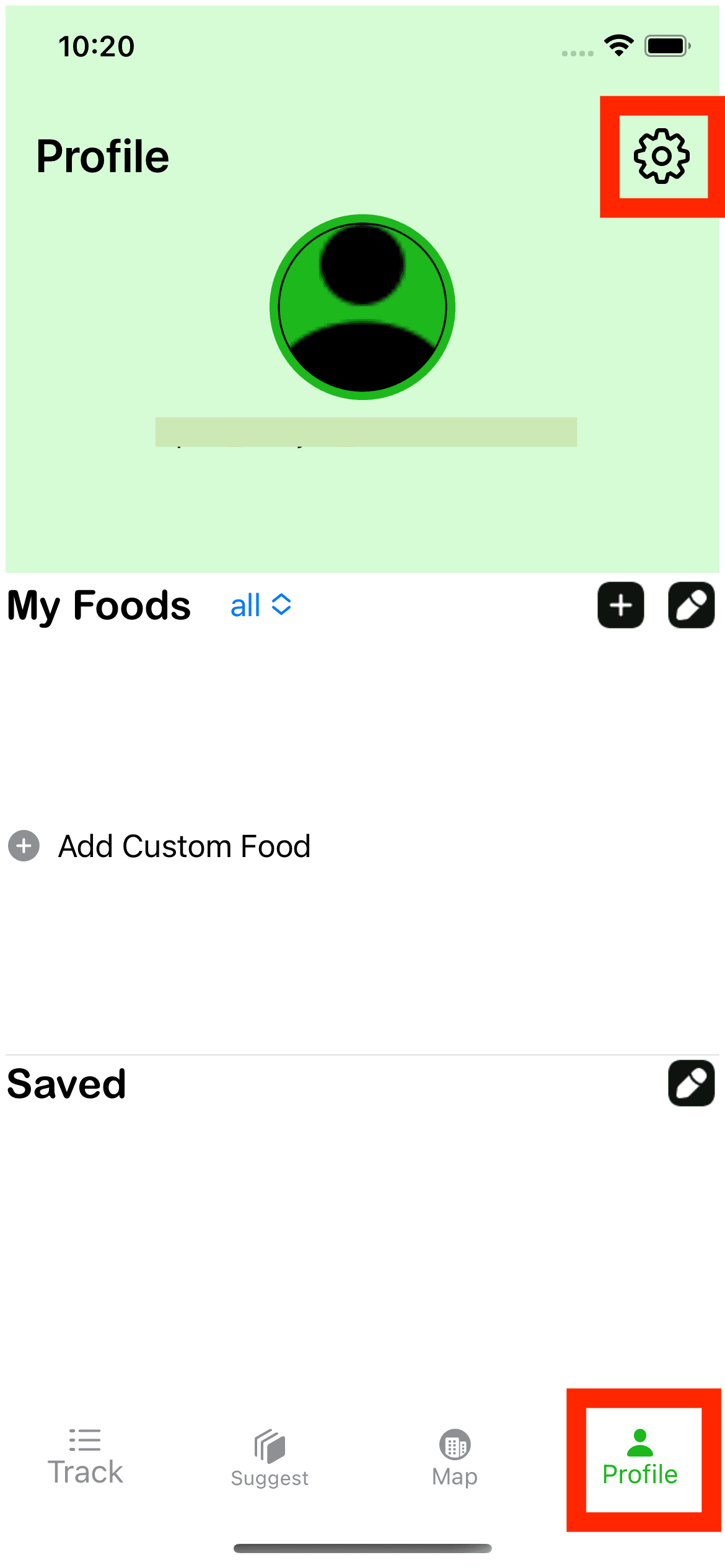
Step 1: Navigate to your profile
First, you need to access your profile. This is where you can manage all your account settings, including data deletion.
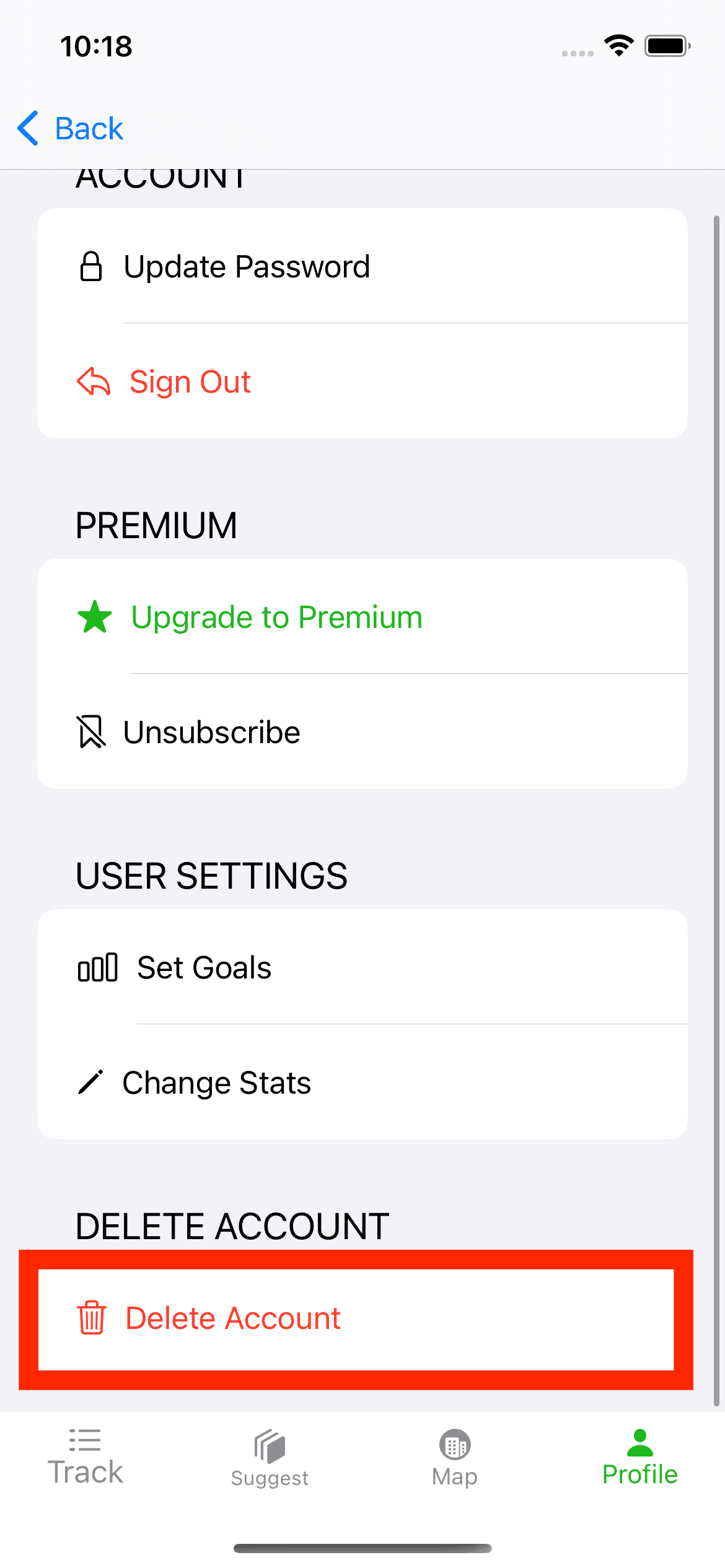
Step 2: Go to account settings
Next, head over to your account settings. This is where you can request the deletion of your account data.
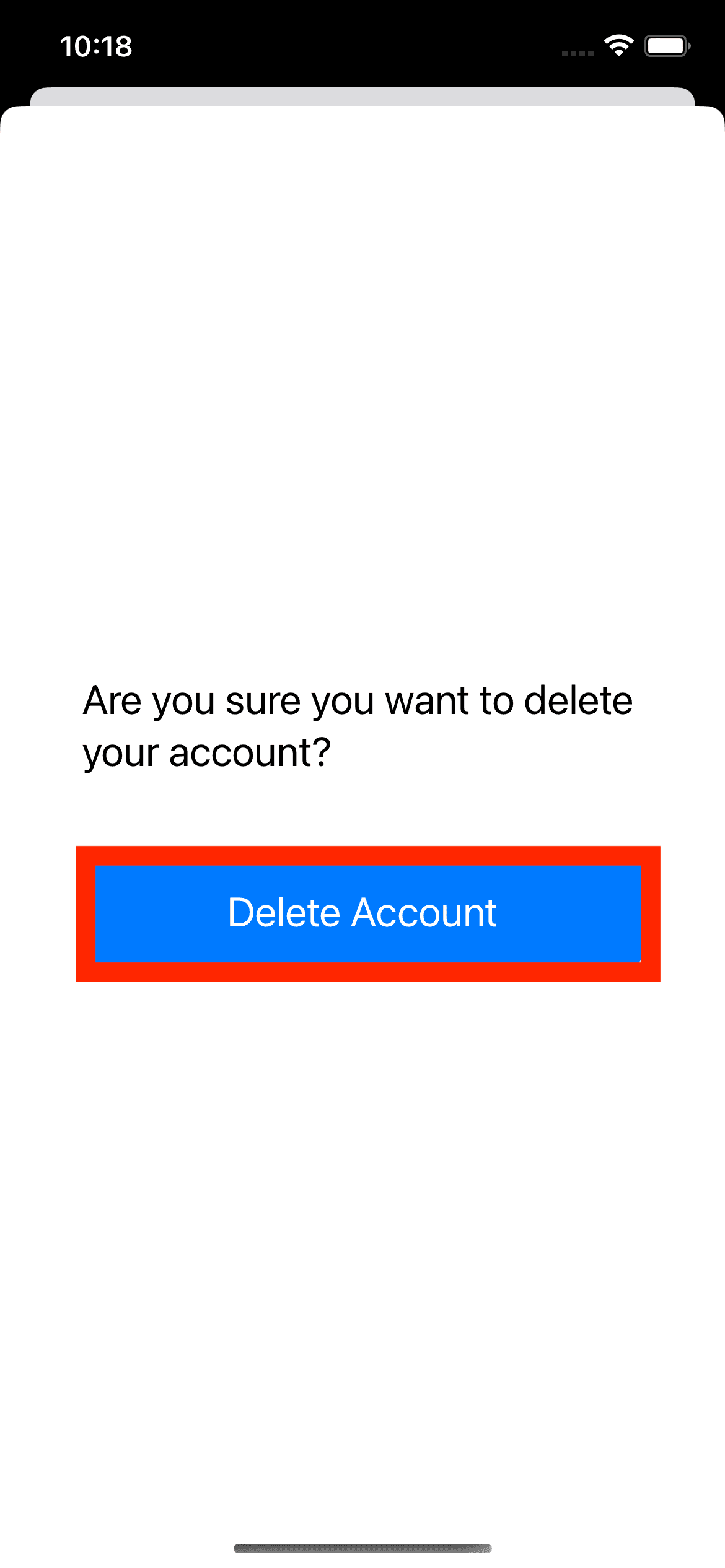
Step 3: Confirm deletion
Lastly, confirm your data deletion. Make sure to read all warnings and notifications carefully, as this action is irreversible.
Please note that this process may take a few days to complete, and your data may not be entirely erased from Facebook’s backup systems for up to 90 days.